One-time purchase. No subscription, no recurring bill, no account. Sold through Apple's App Store and Google Play; your purchase is tied to your store account and follows you to new devices.
These are the features that ship with Premium today. There's nothing promised or "coming soon" in this list — it's what you'd see if you upgraded right now.
Sunline fetches recent satellite cloud imagery and bakes it into a clean cloud mask so the underlying Earth still reads cleanly. Real-time mode only — in time simulation, the bundled demo image is used (because there is no "today" to fetch). Fails gracefully to the cached image or the bundled one if the network is down.
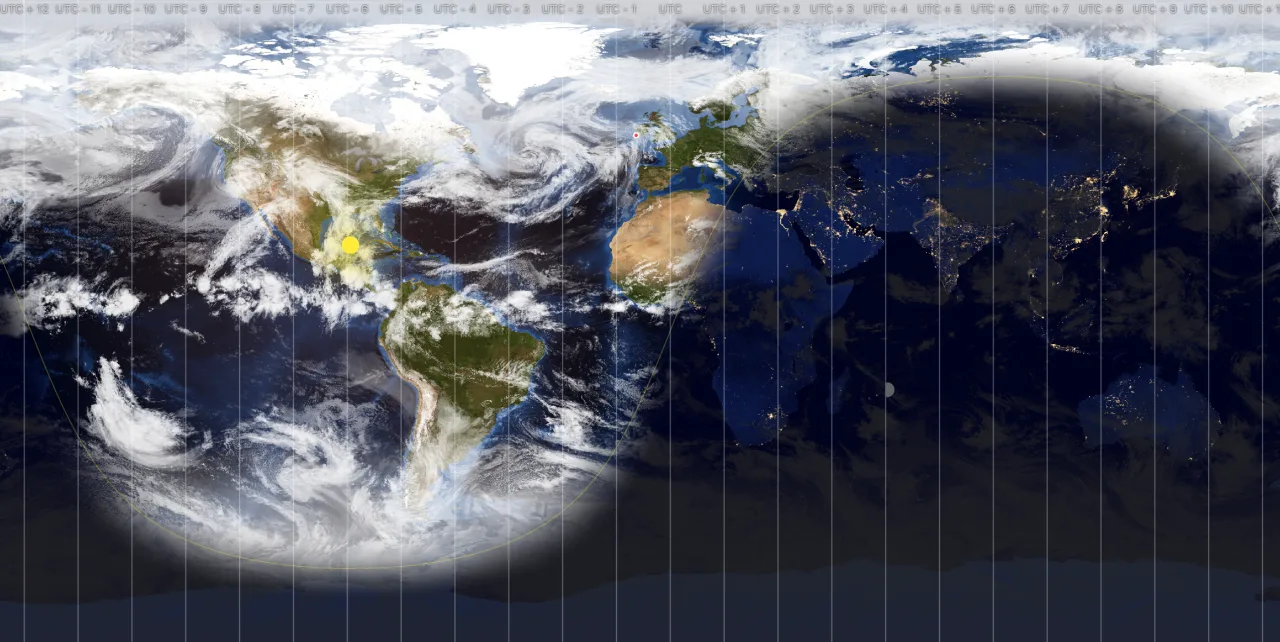
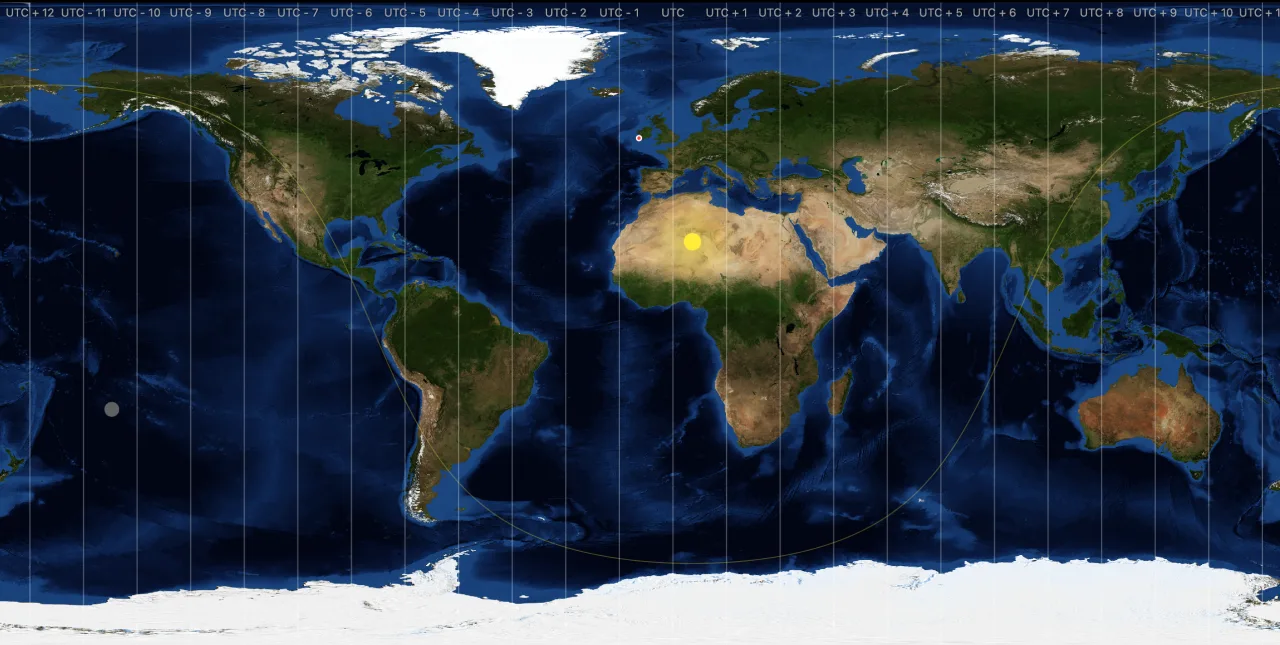
Twelve monthly NASA Blue Marble textures. The app picks the one that matches the current month — or the month in your simulation — so the Sahara expands in summer, the Arctic recedes, the northern forests turn green. Off by default; turn it on in Settings → What's Displayed.
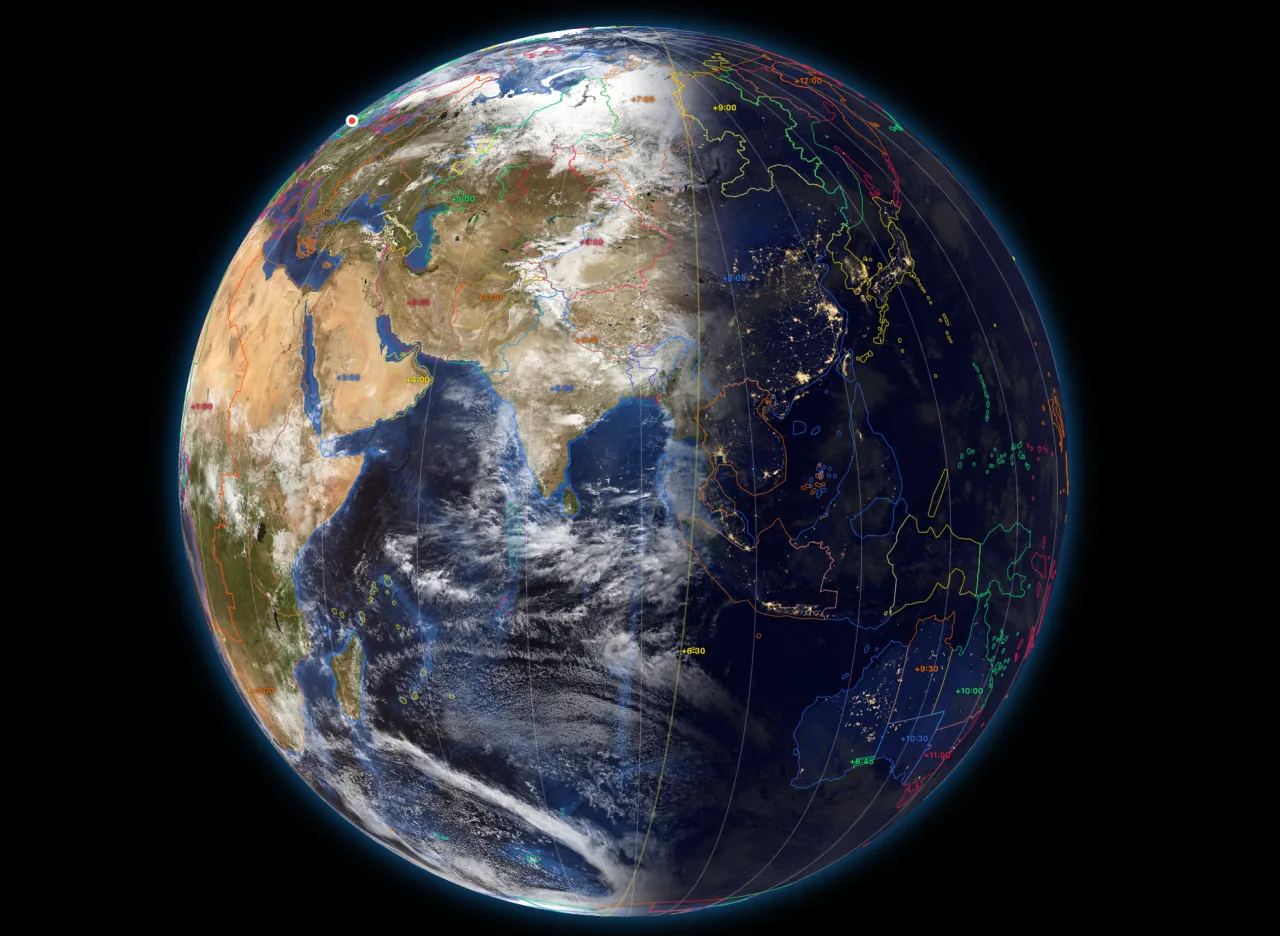
The real IANA ("Olson") time zones layered on top of the Earth — the jagged borders countries actually use, including the half-hour and quarter-hour offsets, the small islands and the historical anomalies. Toggle it on alongside (or instead of) the simpler 15° geographic bands.
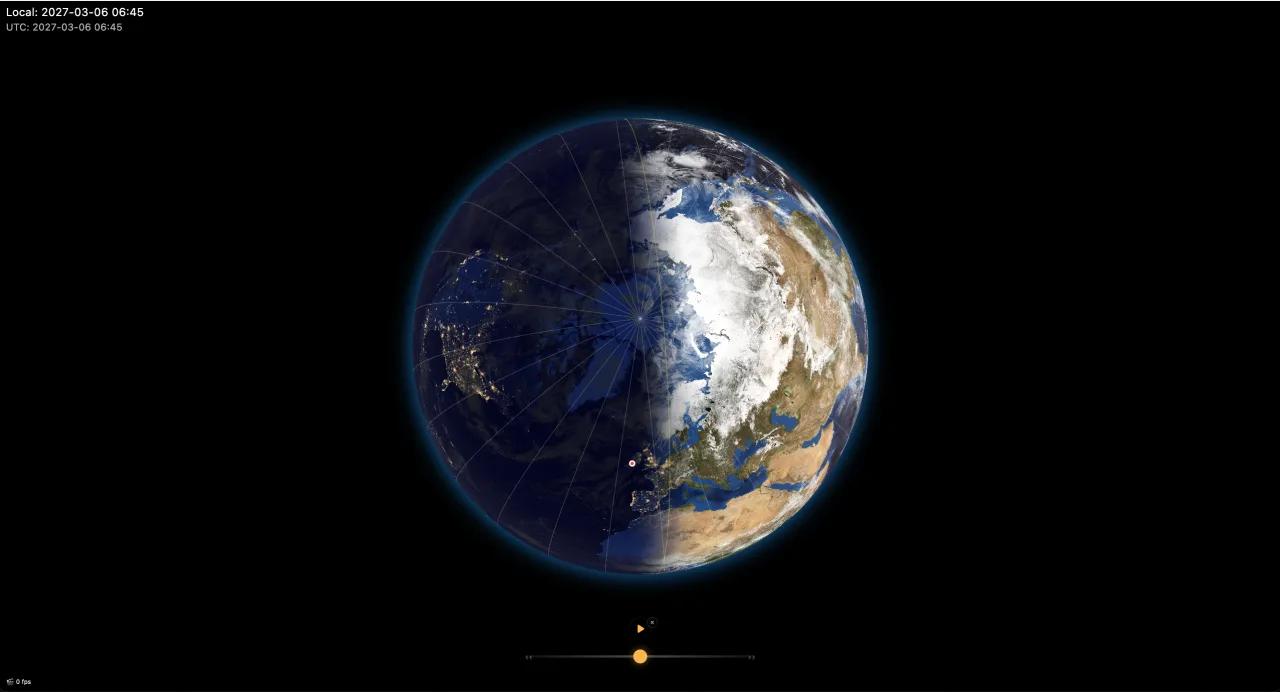
In simulation mode, the on-map Simulation Player gets a horizontal shuttle track under its play / pause bubble. Drag the thumb left to rewind, right to fast-forward; the further from centre, the faster — from one minute to one day per real second. Release and the thumb springs back. Free users keep play / pause.
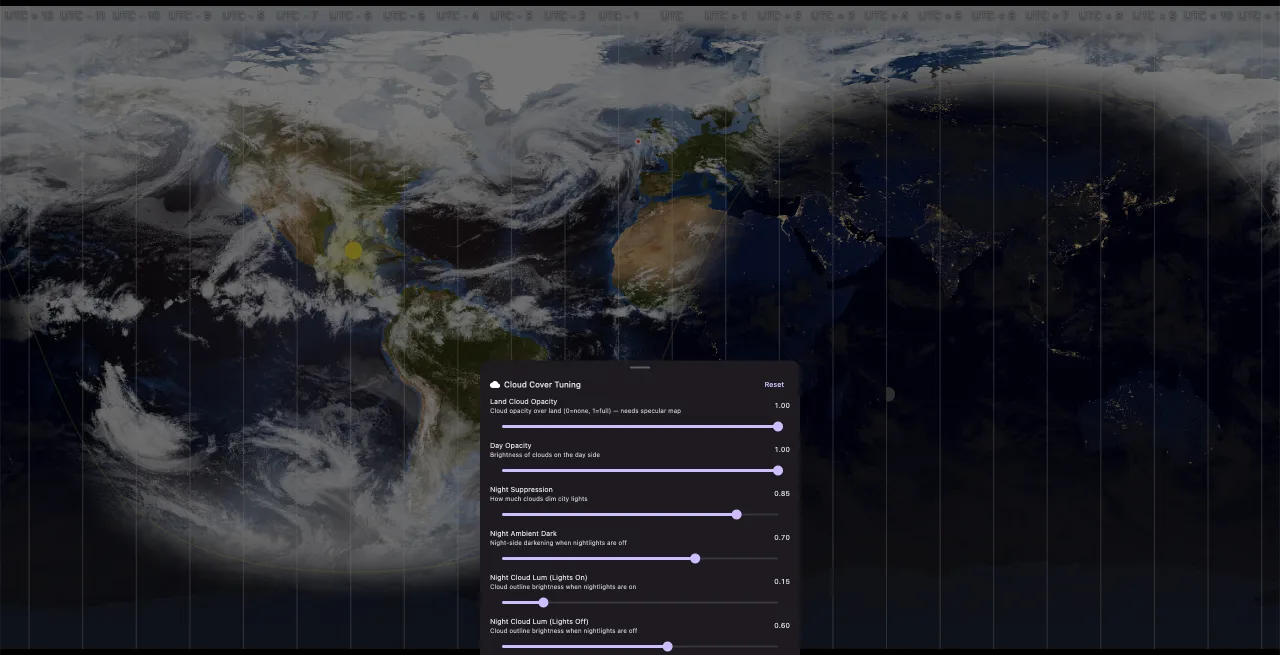
Long-press the gear icon and a hidden panel opens with sliders for cloud day-side opacity, night-side opacity, night ambient darkness, and how brightly cloud tops glow on the night side with and without city lights. A one-tap reset returns every slider to its default.
Open Sunline, tap the gear icon, switch to the Advanced tab, and look for the License section. The Upgrade to Premium button shows the current price once the store has finished loading.
Tap the gear icon in the top-right controls. On desktop you can also press ⌘+, (macOS) or Ctrl+, (Windows / Linux).
The platform's standard purchase sheet appears — Apple's on iOS, Google's on Android. Confirm there. Premium unlocks immediately on success.
It's right next to the Upgrade button. Your Premium licence comes with you to any device signed in to the same Apple ID or Google account.
No. It's a one-time purchase. Once you've bought it, it stays bought.
If you sign into the new device with the same Apple ID or Google account, your Premium licence comes with you. On Android the app usually reconciles silently; on iOS press Restore Purchases in Settings → Advanced once after install.
Not in the current desktop builds — they don't offer in-app purchase. The full free experience is available on desktop; for Premium today, use the same Apple or Google account on a mobile device.
No. Apple and Google run separate purchase systems and don't share entitlements between them, so a purchase made on iOS unlocks Premium on your Apple devices and a purchase made on Android unlocks it on your Google account's devices. This is a platform constraint, not something the app can route around.
That happens with parental-approval accounts and some deferred-payment methods. The features stay locked until approval comes through; when it does, your licence flips to Premium automatically and you don't need to do anything.
The Features page has the full free-vs-Premium comparison table, and the guide's Premium section walks through each Premium feature in detail.